precision_manufacturing

BarkIndustries Super Bark Ind.

BarkKillLock

File Lock Investigator
BarkKillLock

Find which application is using a file before deciding whether to stop its process.
check_circleListed price
check_circleLINE/DC support
BarkKillLock — Find which application is using a file before deciding whether to stop its process.
speed
BarkKillLock

What it does

Find which application is using a file before deciding whether to stop its process. Windows Restart Manager identifies processes using a selected path. Fuzzy process-name search narrows the list. Expand related process trees to understand an application. Select and terminate multiple stalled or leftover processes. Search and review results without typing process commands. Forced termination can lose unsaved work. Protected or system processes may not be terminable.

grid_view

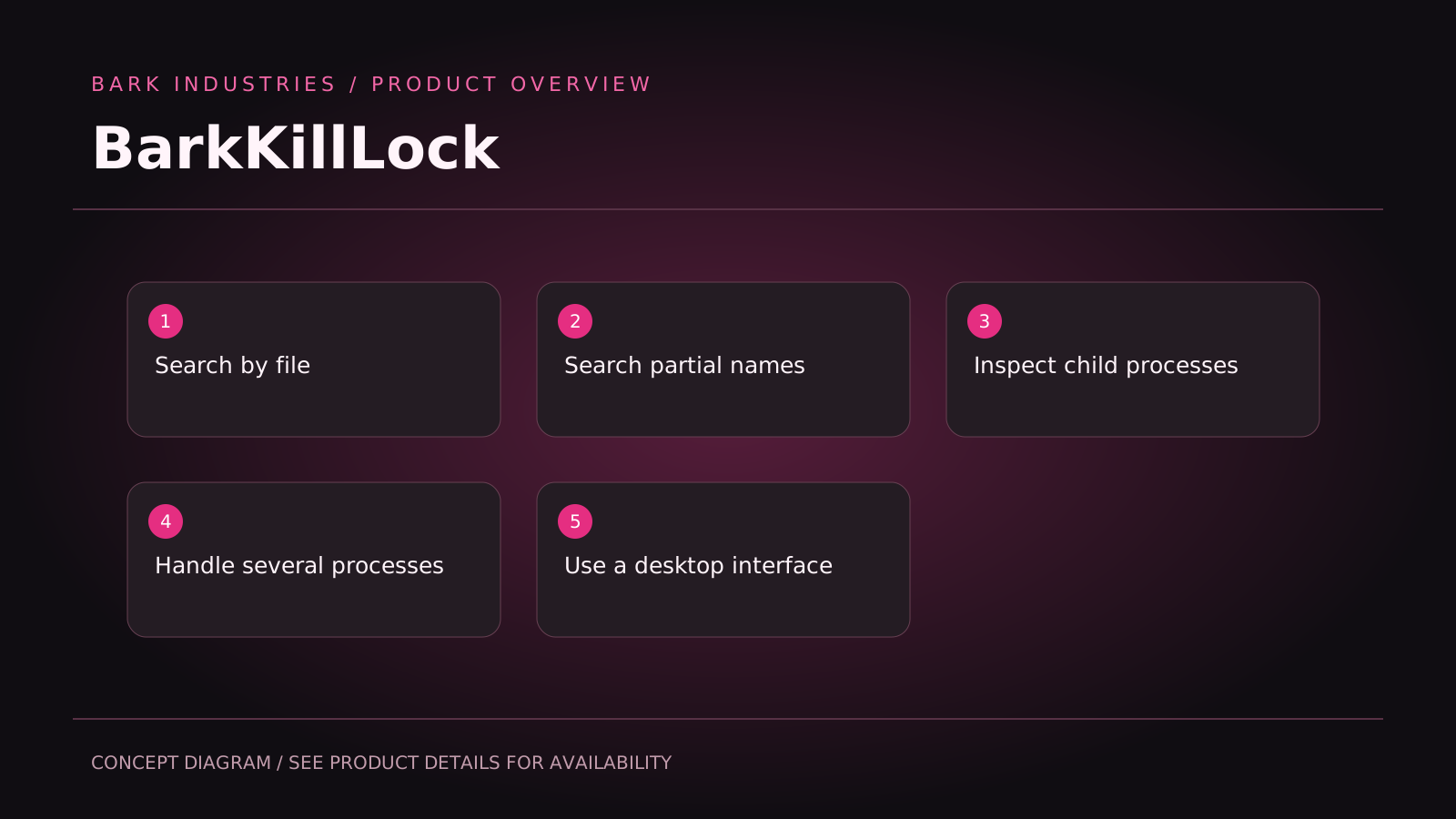
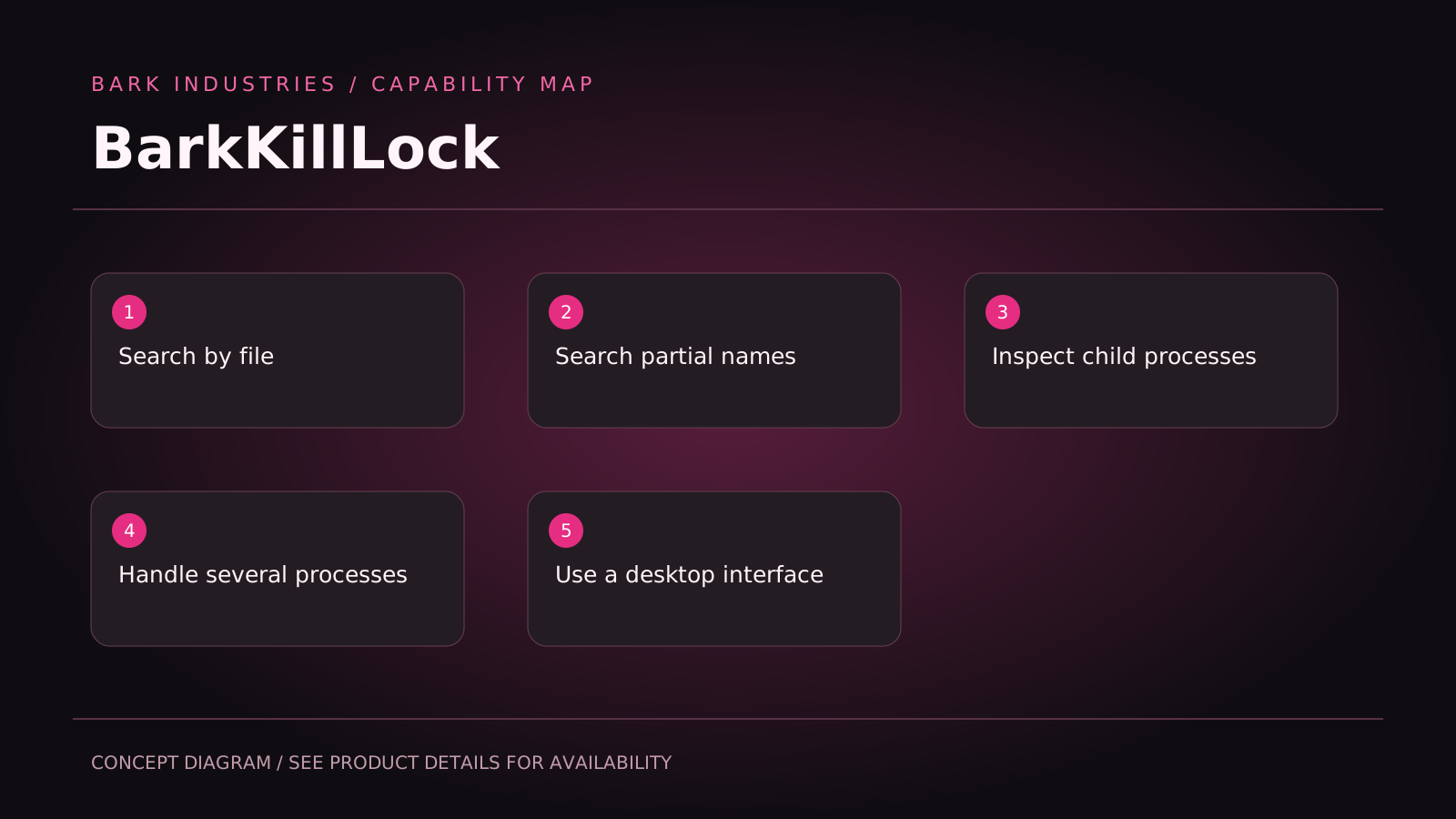
Search by file

Windows Restart Manager identifies processes using a selected path.

smart_toy

Search partial names

Fuzzy process-name search narrows the list.

bolt

Inspect child processes

Expand related process trees to understand an application.

extension

Handle several processes

Select and terminate multiple stalled or leftover processes.

speed

Use a desktop interface

Search and review results without typing process commands.

Product illustrations & concepts

BarkKillLock — Find which application is using a file before deciding whether to stop its process.
Conceptual feature map, not a software screenshot. Refer to the product description for availability, development status and limitations.
BarkKillLock — Find which application is using a file before deciding whether to stop its process.

Product concept illustration

BarkKillLock — Find which application is using a file before deciding whether to stop its process.

Feature concept diagram

memorySystem requirements

Operating systemContact us to confirm the current version, supported platforms and licensing. Availability and download details are provided on request.
Storage—
Network—

Frequently asked questions

downloadTalk to us
Most Popular

Licensing & availability

Pricing to be announced

Find which application is using a file before deciding whether to stop its process. Windows Restart Manager identifies processes using a selected path. Fuzzy process-name search narrows the list. Expand related process trees to understand an application. Select and terminate multiple stalled or leftover processes. Search and review results without typing process commands. Forced termination can lose unsaved work. Protected or system processes may not be terminable.

checkSearch by file Windows Restart Manager identifies processes using a selected path.
checkSearch partial names Fuzzy process-name search narrows the list.
checkInspect child processes Expand related process trees to understand an application.
checkHandle several processes Select and terminate multiple stalled or leftover processes.
checkUse a desktop interface Search and review results without typing process commands.
Talk to us
Payment methods:
credit_cardVisa, MC, PayPal

Need enterprise deployment?

Volume discounts and a dedicated account manager are available.

Contact sales